Dashboard
The Dashboard provides the learner with a chronologically organized overview of the program with all its content pieces.
Program Overview
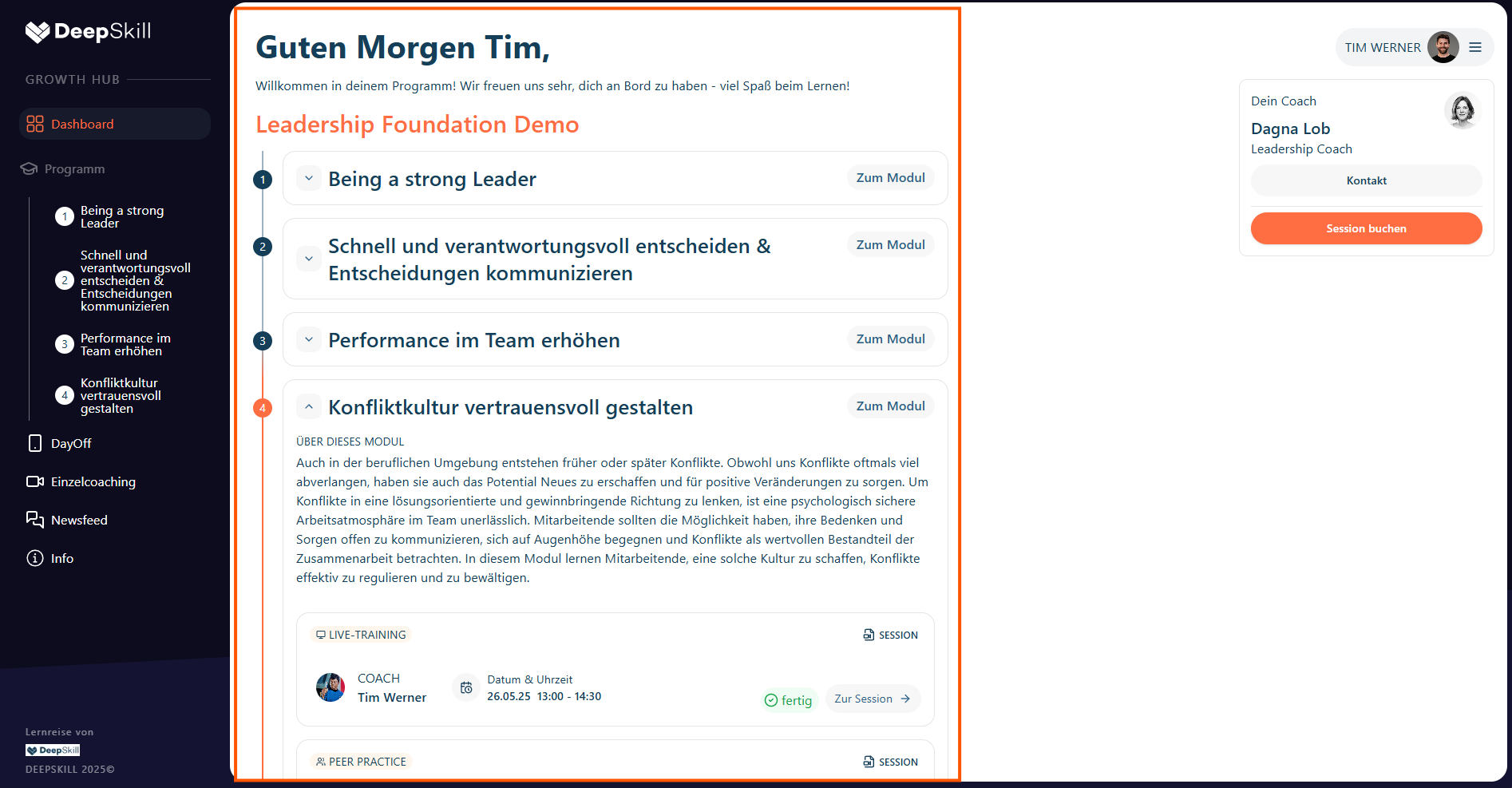
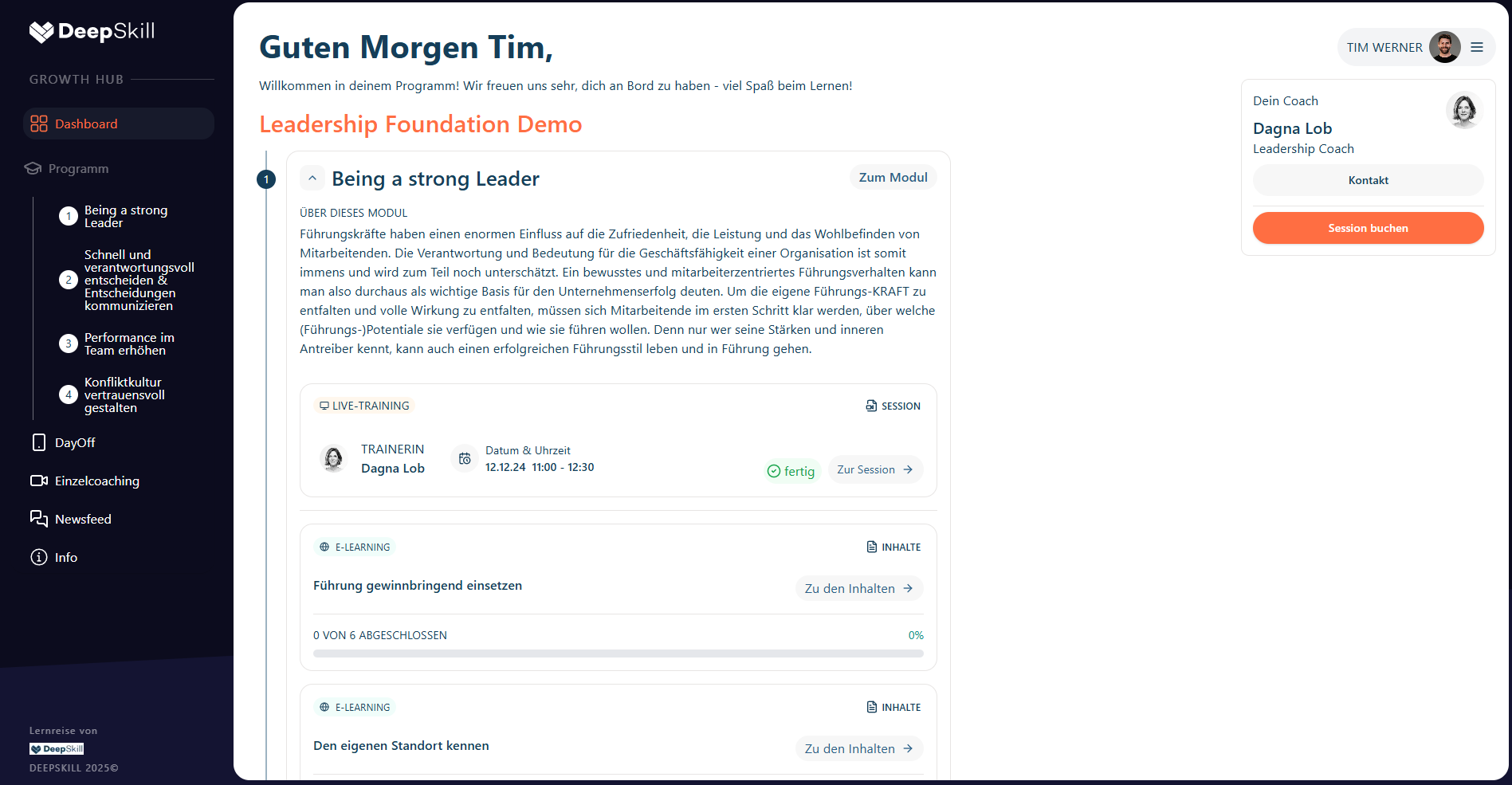
The Dashboard provides the learner with a chronically organized overview of the program with all its content pieces. It is structured by expandable module sections which contain an overview of the training sessions and E-Learnings of the modules. The learner can then navigate to each content piece from there via buttons.
The dashboard is structured by expandable module sections which contain:
- Overview of training sessions
- E-Learning content for each module
- Navigation buttons to each content piece
Booking of Individual Coachings
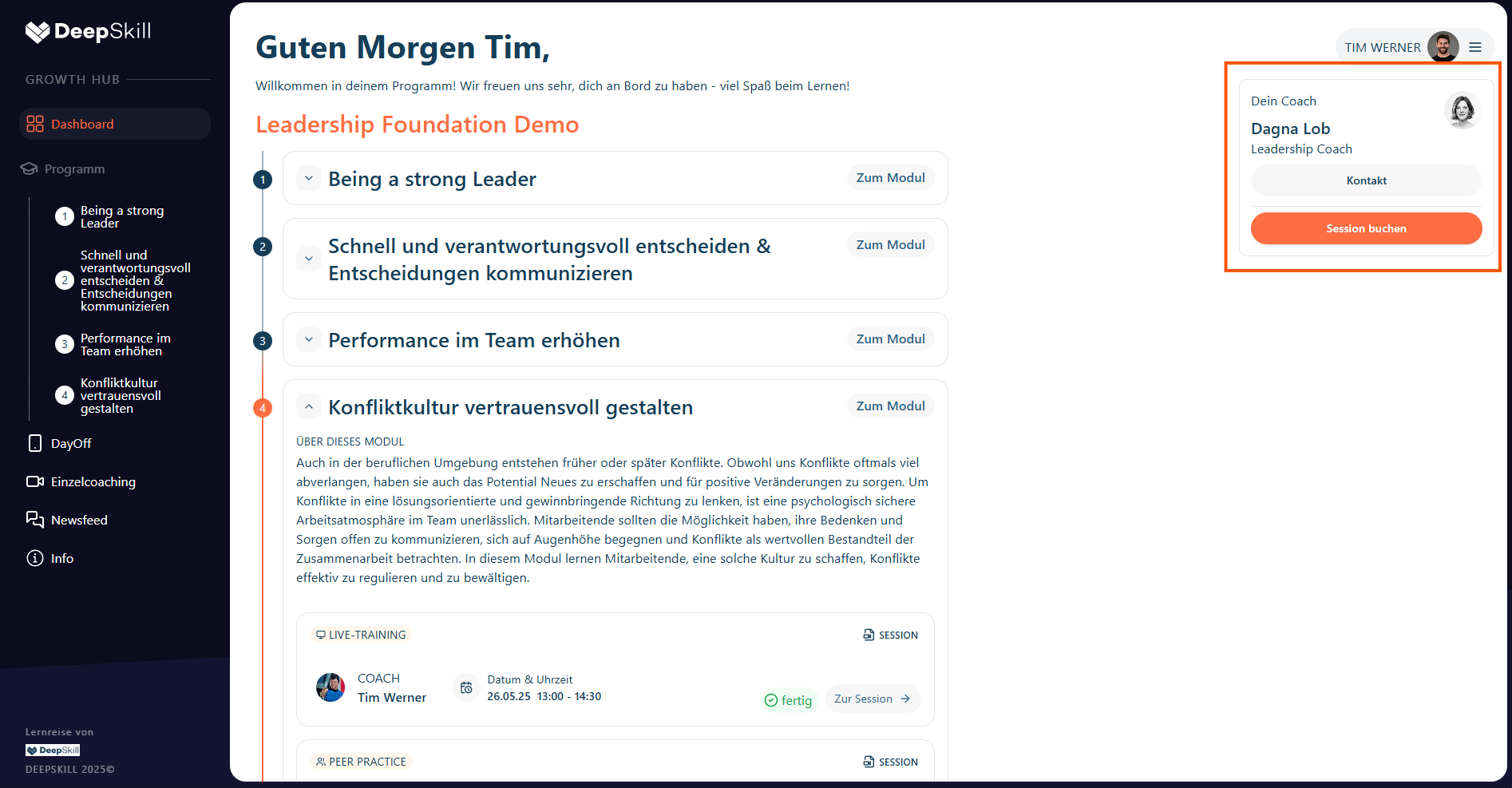
If the learner has a coaching budget and a coach assigned, the learner can book an individual coaching with its coach from the book coaching UI on the right side of the screen by clicking the “book session” button.
- The Book Coaching UI appears on the right side of the screen
- Clicking "Book Session" opens the booking interface
- Learners can select available time slots from their coach's calendar