Session Details Page
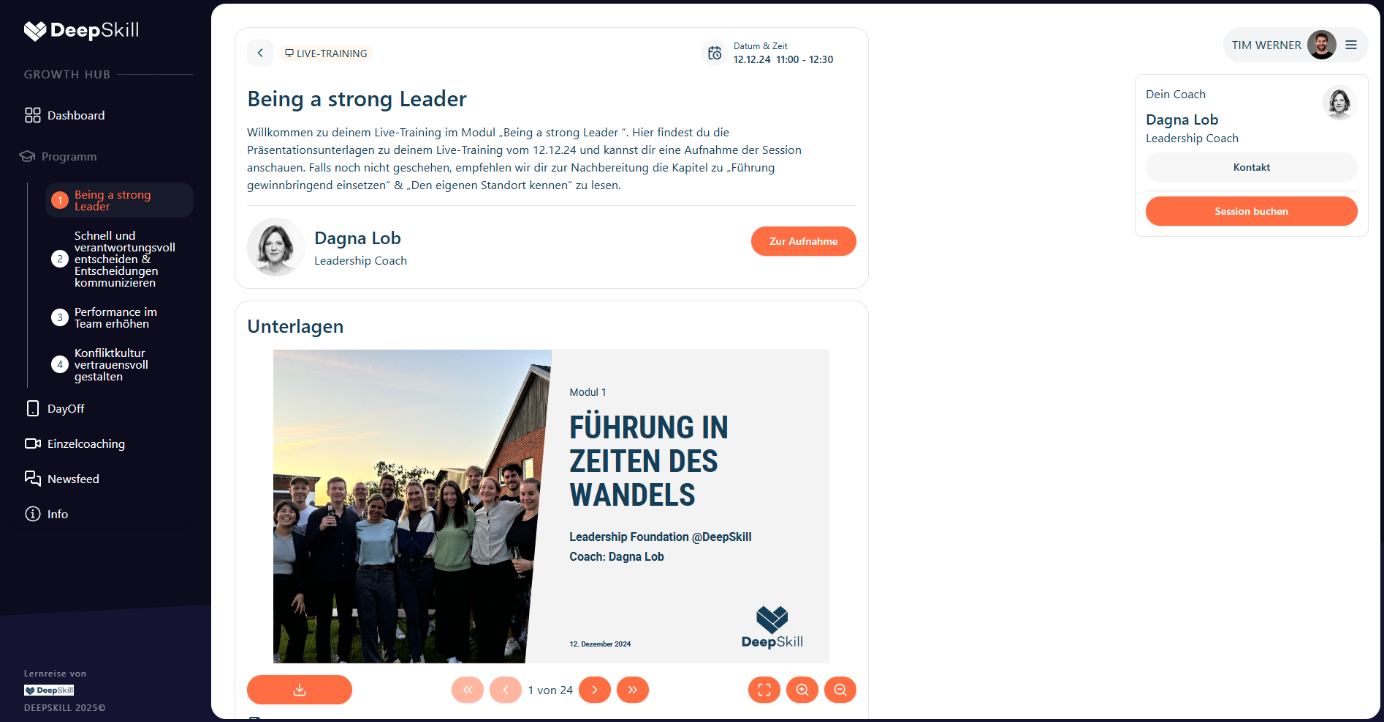
On the session details page, the learner sees the session details like date & time, description, coach and session presentation document.
Session Information
- Date & time of the session
- Description of the session content
- Coach information
- Session presentation document
Session Participation
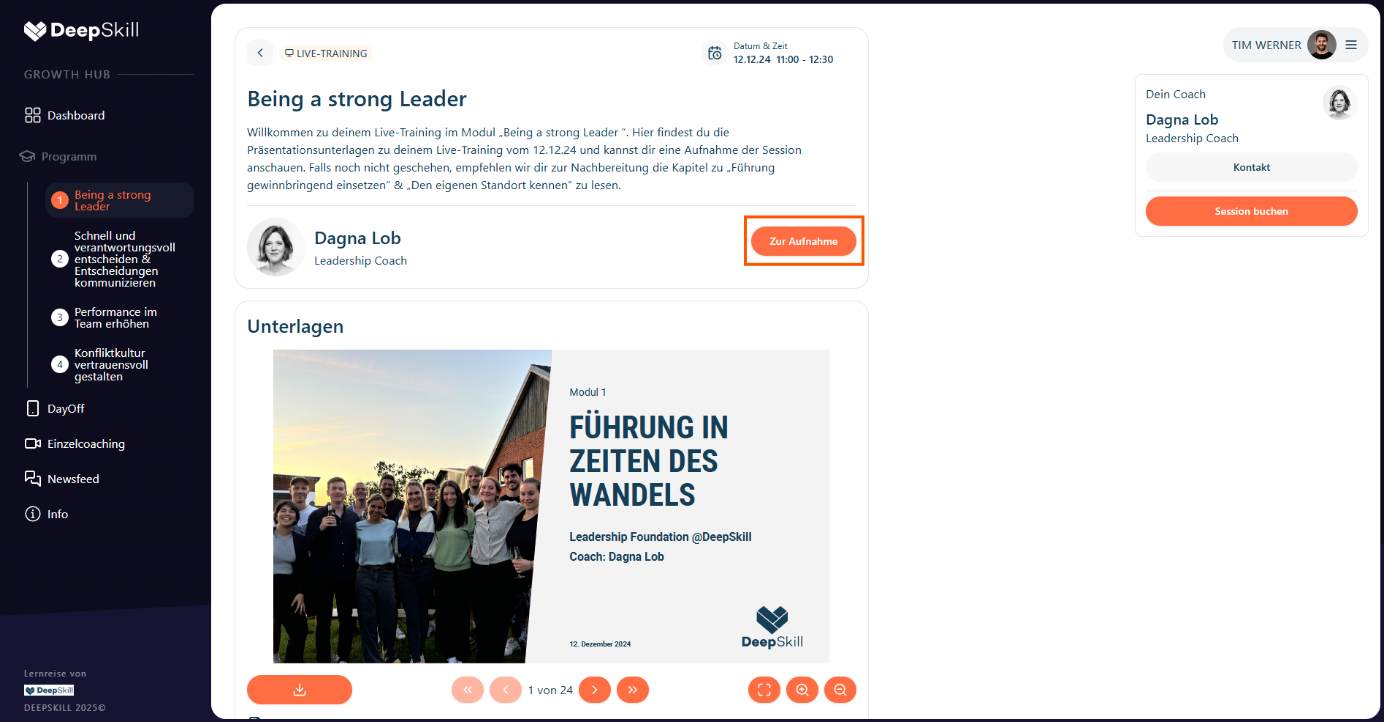
The user can navigate to the session by clicking the ”join session” button. After the session is over, if the session got recorded, the learner can view the session recording from here:
- Click "Join Session" button to enter the session
- After the session, if recorded, view the session recording
Documents Section
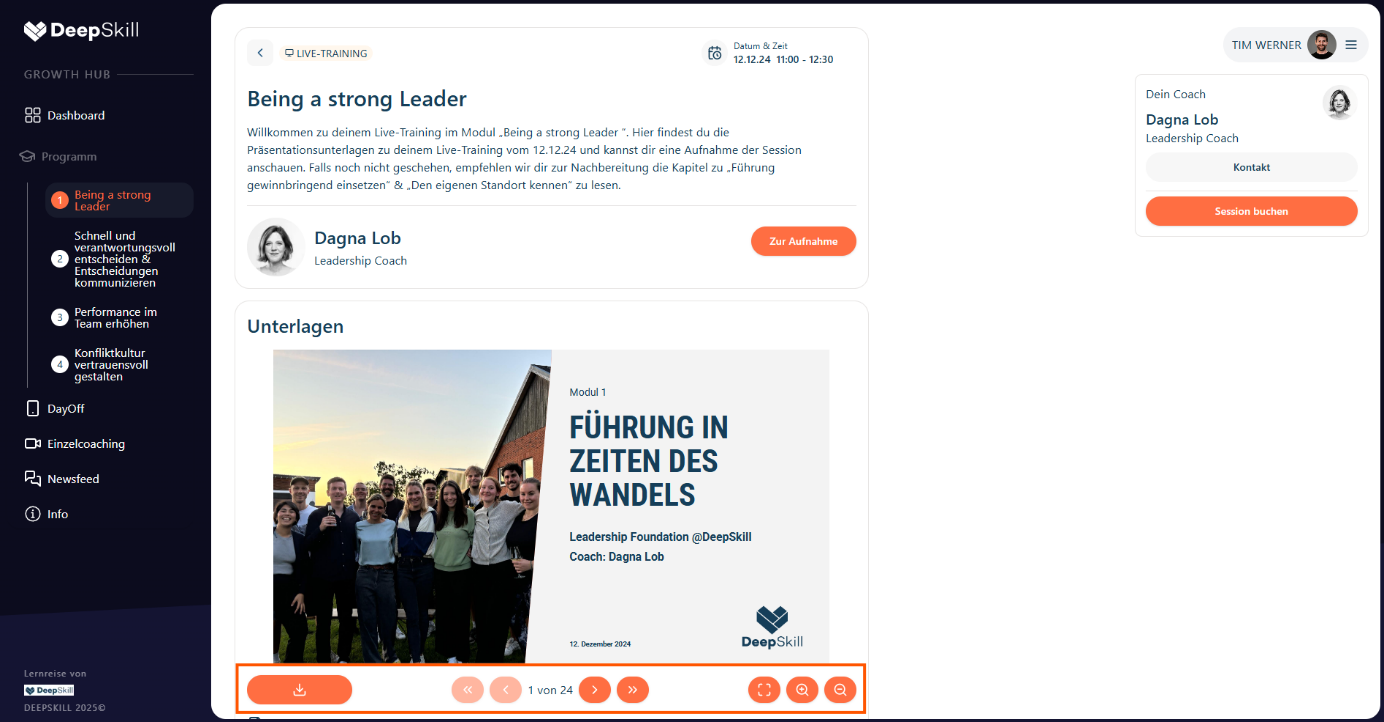
In the “Documents” section, the learner can view the session presentation, navigate through and download it.
- View session presentation
- Navigate through slides
- Download presentation