User Menu
By clicking the icon next to the learner's profile picture, the navigation expands. From there, the user can navigate to the account settings, the FAQ, to the learner's program (dashboard) and the learner can logout from the platform.
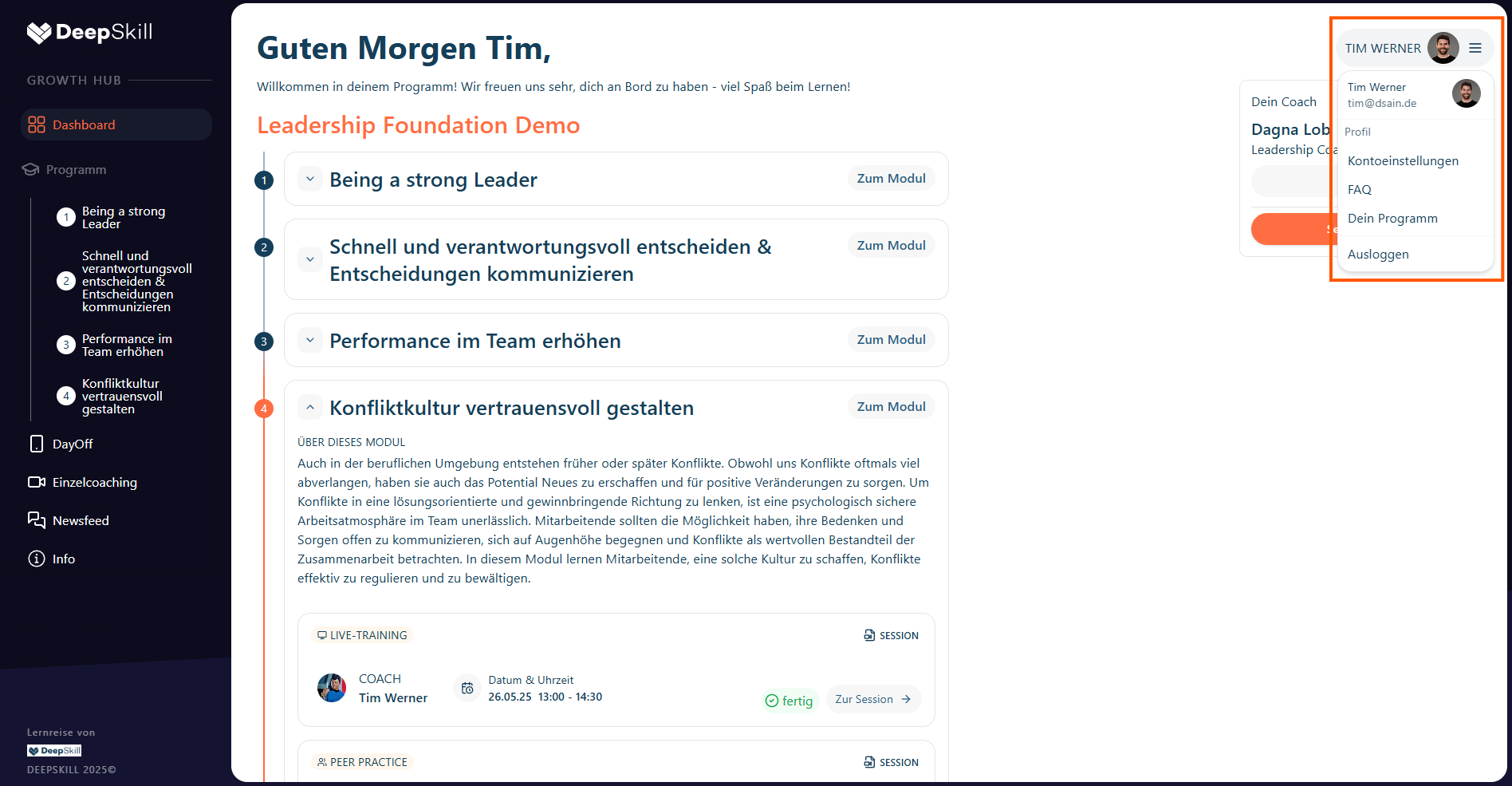
Available Options
- Account settings - Manage profile and preferences
- FAQ - Access frequently asked questions
- Program dashboard - Navigate to main program view
- Logout - Sign out of the platform